Your creative crochet companion.
YarnCro is a crochet learning app for iPhone and Android, with video lessons, written patterns, a row counter, and tools for your next project.
Free to download · Optional Pro subscription
Row 14 saved
Crochet row counter
Explore pattern ideas
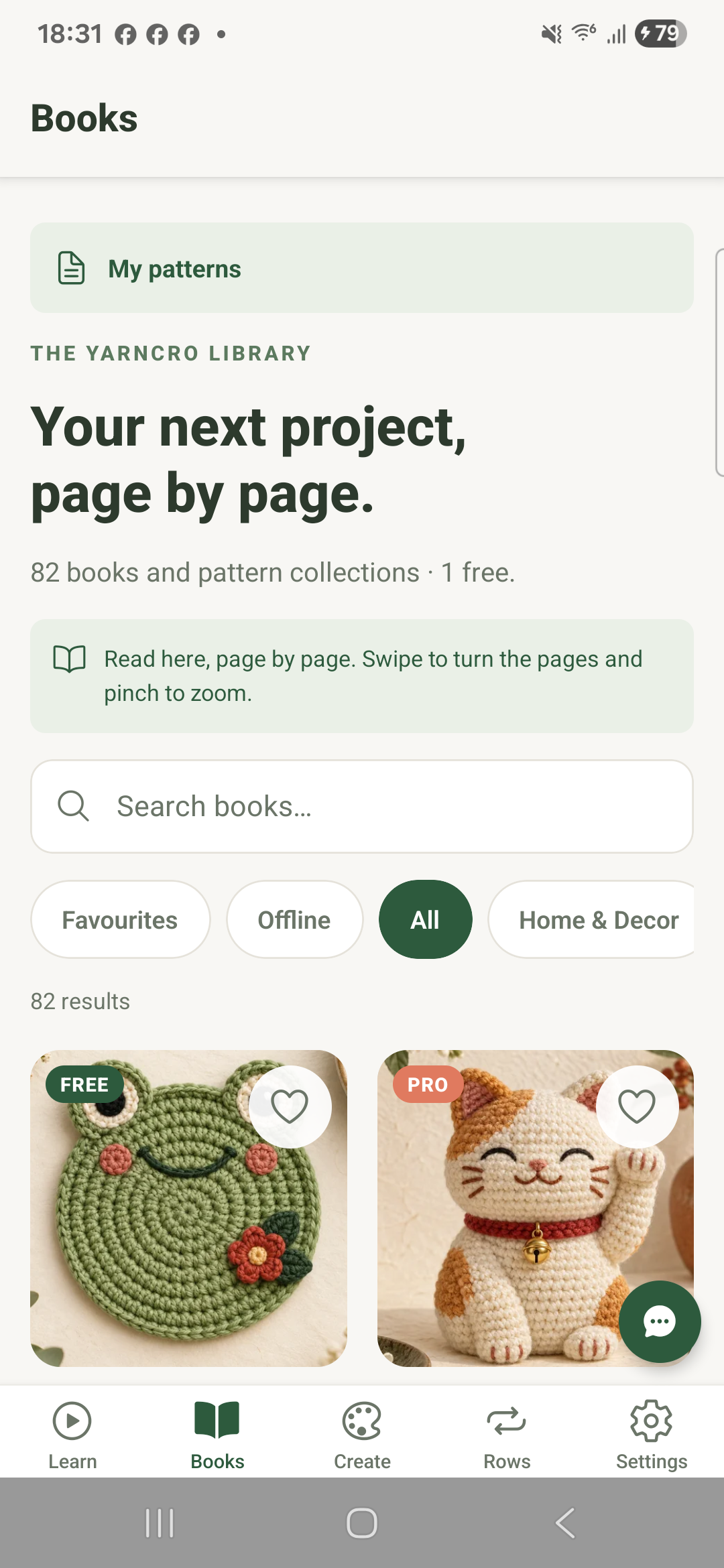
Frog coaster
What would you love to make?
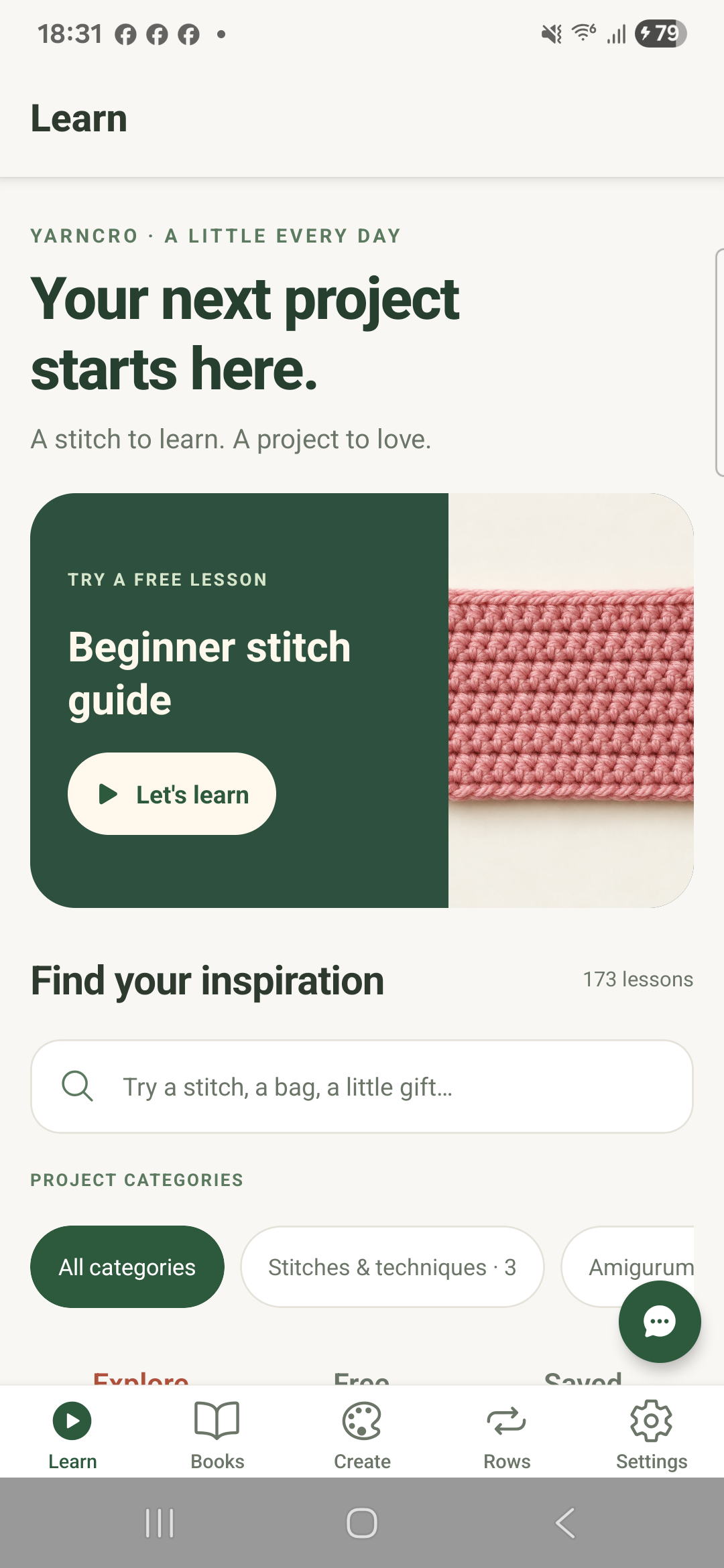
Explore crochet project categories, from small amigurumi to wearables and home decor.
Amigurumi & Plushies
Explore small crochet characters and follow written instructions at your own pace.
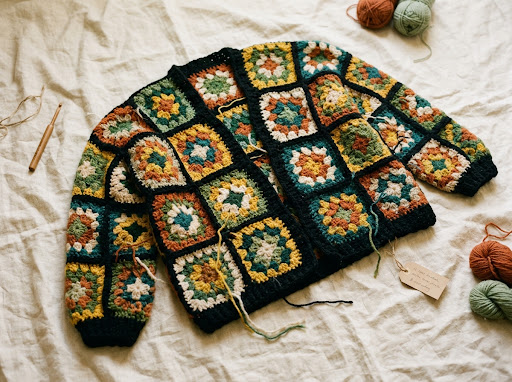
Cozy Wearables
Discover wearable projects. Check your gauge and measurements before you begin.
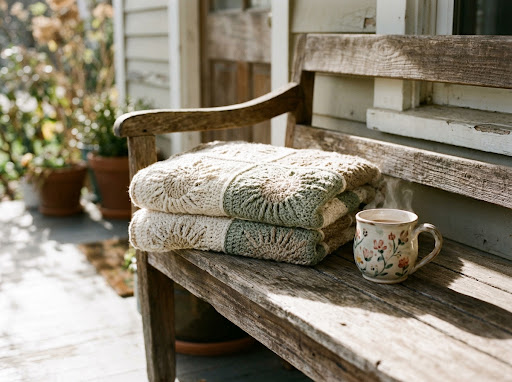
Home Decor & Blankets
Find inspiration for blankets, coasters and home projects, and keep track of your rows.
Quick Weekend Makes
Explore bags, hats and other smaller makes. Project time depends on your pattern and experience.
Everything you need to craft with clarity
Thoughtfully engineered tools built to eliminate lost counts, misplaced notes, and confusing instructions.
Video Crochet Lessons
Watch crochet lessons, pause to practice, and continue where you left off.
Smart Row & Stitch Counter
Use a row counter to keep track as you work through your crochet project.
PDF Pattern Reader & Library
Browse written patterns and ebooks, and read instructions page by page in the app.
Sizing & Stash Calculators
Use gauge and sizing calculators to plan your project. Yarn requirements vary with tension and materials.
Stitch Identification & Pattern Tools
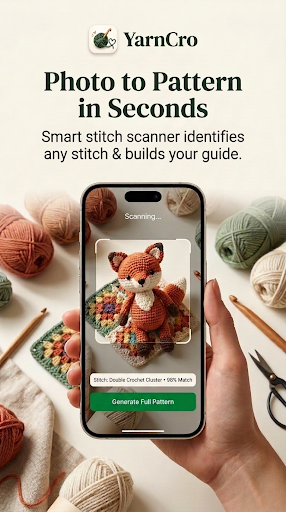
Use a photo to explore stitch identification and draft pattern ideas. Review the instructions before making your project.
Less keeping track, more making.
YarnCro fades quietly into the background while you crochet, keeping the rhythm smooth and your stitches counting.
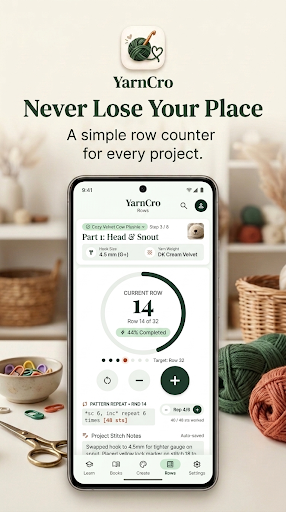
Keep track, one row at a time
Keep your current row close while you crochet. Update the counter as you finish each row and return to your project when you are ready.
- Track your current row
- Keep a counter beside your instructions
- Take your time with each step
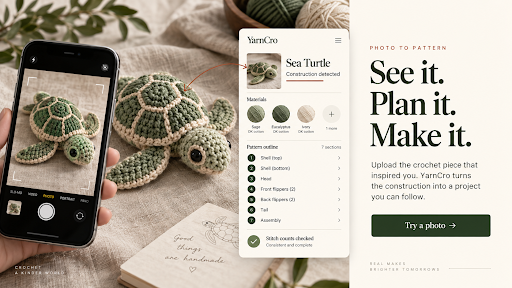
Explore a photo. Develop a pattern idea.
Use a crochet photo as a starting point for stitch identification and pattern drafting. Pattern drafts need review; stitch-count checks do not guarantee fit or an exact visual match.
- Explore possible stitch types
- Review suggested materials against your project
- Check instructions and make a gauge swatch
Start with your yarn and a gauge swatch
Choose yarn suitable for your pattern, make a gauge swatch, and use the calculators to work with your measurements.
Gauge
Check your swatch
Sizing
Plan your fit
Practical crochet tools in your pocket
Thoughtfully engineered instruments for quick calculations, gauge matching, and stress-free stitching.
1. Smart Row Counter
Keep track of rows while following your project instructions.
2. Stitch & Gauge Calculator
Enter your swatch and target dimensions to calculate stitch counts.
3. Yarn & Skein Estimator
Estimate yarn needs using the available calculator inputs. Allow for differences in tension and materials.
4. Stitch Identification
Explore possible crochet stitches from a photo. Check the result against a stitch reference.
5. Pattern Assistance
Develop a pattern idea with the pattern tools, then review the instructions and gauge.
6. Stitch Terminology & Glossary
Look up crochet stitches and techniques as you learn. Check which terminology your pattern uses.
Choose the plan that fits your craft
Try available free content, then explore optional Pro plans in the app.
YarnCro Free
Explore YarnCro and get started with free learning content.
- Try available free content
- Browse lesson categories
- Explore the pattern catalogue
- Discover the crochet tools
YarnCro Pro
More learning content and written patterns for your next project.
Or $5.99 / month · USD
- Explore premium features in the app
- Premium crochet lessons
- Written patterns and ebooks
- More content beyond the basics
Prices shown are in USD. Local store prices may vary. The final price and terms are shown before purchase. Manage store purchases through App Store or Google Play subscription settings.